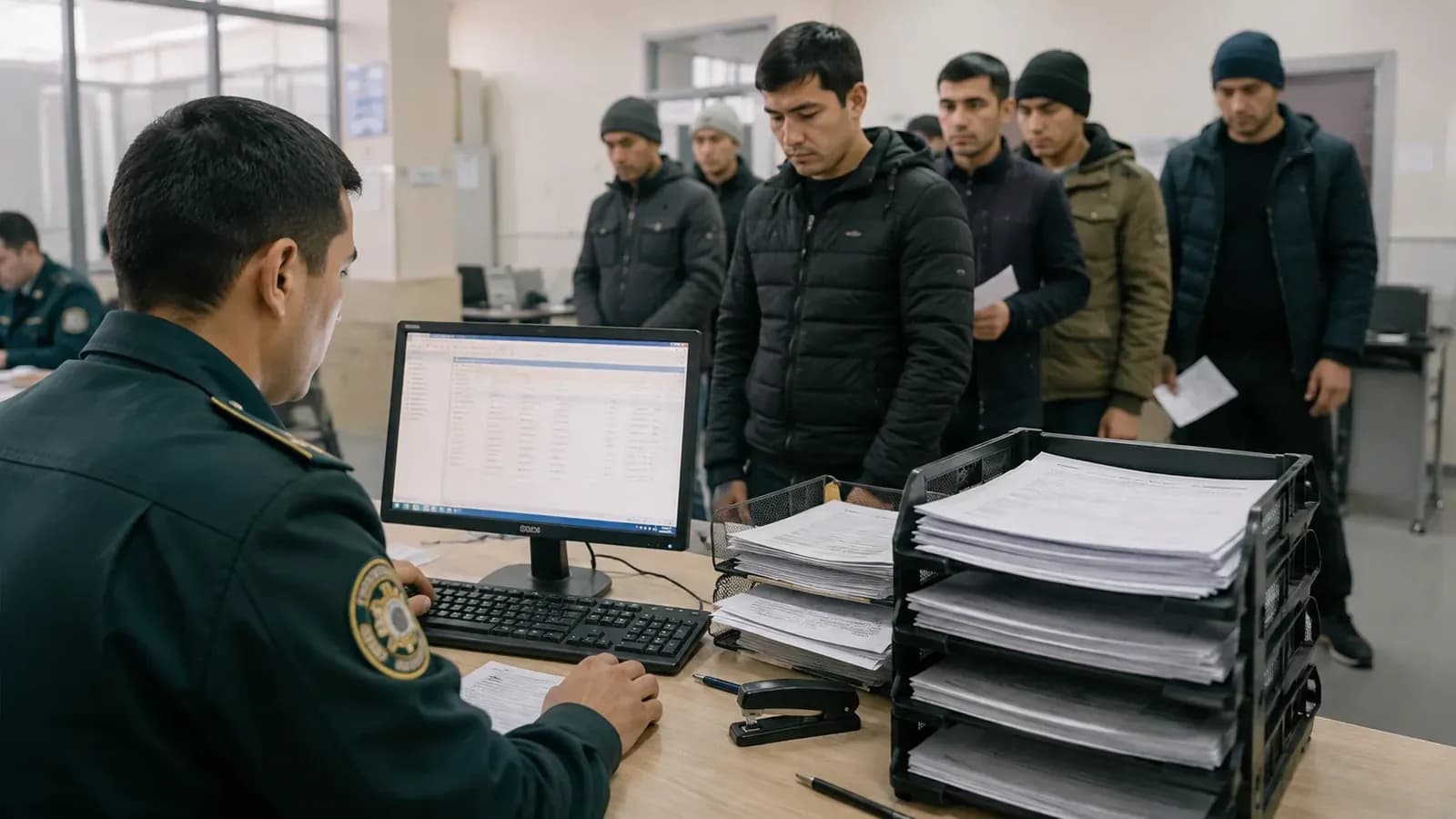
Foreign citizens engaged in labor activities in Russia can submit their employment notification (uvedomlenie) in electronic format via the Gosuslugi portal. This process helps save time and reduces the need for in-person visits to government offices.
To begin the process, enter the query "уведомление трудовой деятельности" (notification of labor activity) into the "Max" chatbot on the Gosuslugi portal, then click the "подать уведомление" (submit notification) and "создать заявление" (create application) buttons. Following this, the system will ask you to select the type of employer (legal entity, individual entrepreneur, or individual) and confirm your personal details.
In the subsequent steps, you will need to enter passport details, the patent number, employment contract details (type, date, profession, and work address), and voluntary health insurance (DMS) information. It is recommended to convert the contract into PDF format beforehand to upload it to the system. In the final step, select the Ministry of Internal Affairs (MVD) office in the region where your workplace is located and submit the application.
Once submitted, the data is typically reviewed within one or two days. After the application is successfully accepted, the status "услуга оказана" (service rendered) will appear on the portal. This indicates that the notification has been officially filed. To avoid errors, it is important to verify all entered information, particularly the employer's INN and other details, to ensure they match the employment contract.