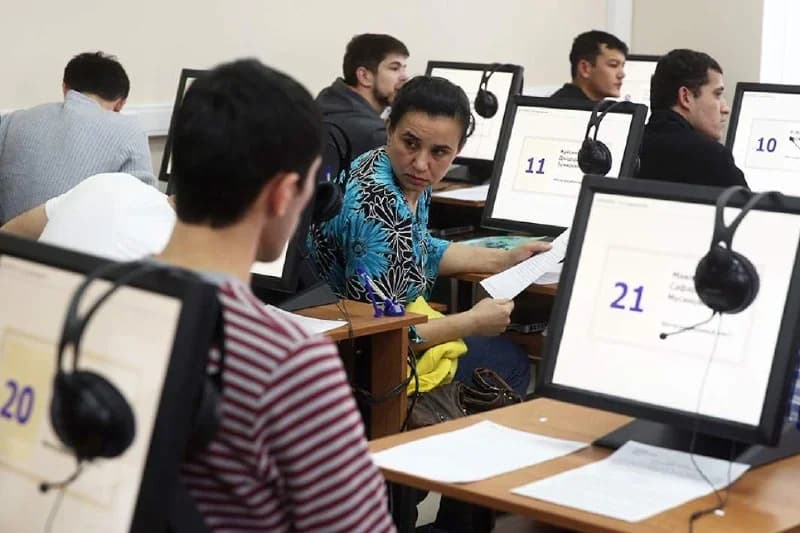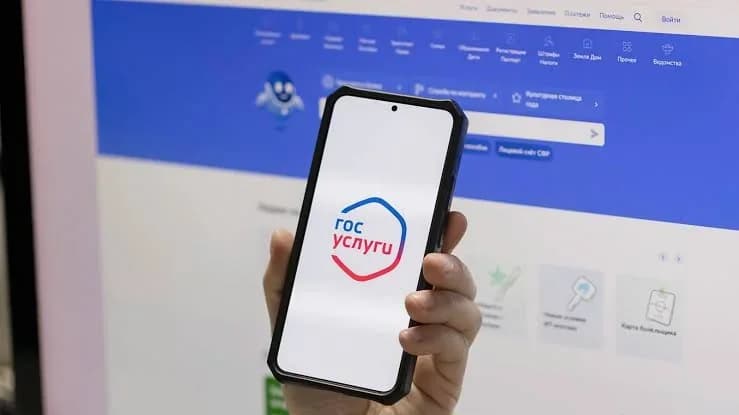
A procedure for submitting an electronic application and obtaining a QR code via the RuID app has been introduced for foreign citizens planning to enter Russia. Starting July 1, 2026, citizens of visa-free countries are required to submit an application through this system and provide biometric data at least 72 hours before entering Russia for work or study purposes.
Many users are facing issues where the QR code does not generate or are encountering technical glitches in the app. Experts point out that the main reason for the QR code not appearing is errors in passport details (Latin spelling of the name, passport number, or date of birth). Also, the application might still be in 'draft' status or the verification process might not be completed yet.
To solve the problem, first check the status of your application: it should be 'sent' (otpravleno) or 'approved' (odobreno). If the system displays a 'correction required' (trebuyetsya ispravleniye) message, you must correct the specific error indicated rather than creating a new application. Also, ensure you are using the latest version of the app, that your internet is stable, and that your VPN is turned off.
If you have difficulties submitting biometrics, check that the lighting is sufficient and verify that the app has permission to access the camera and microphone. If all data is entered correctly but the QR code still does not appear, save the application number and screenshots showing the error. These documents will be needed when passing through border control and when contacting technical support.
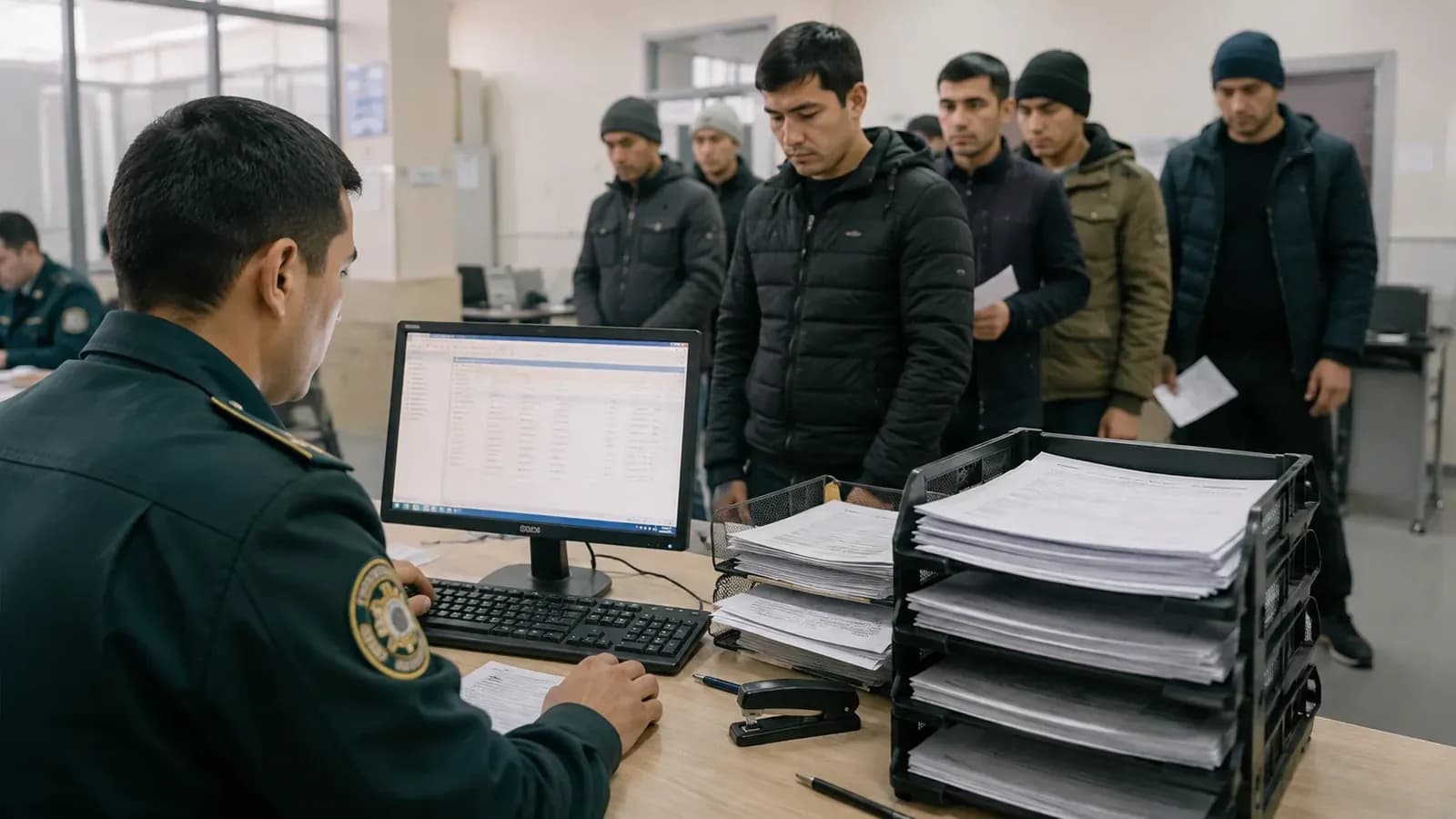
We remind you that the absence of a QR code does not automatically mean a ban on entry; however, if there are old violations in the system, it is recommended to check for an entry ban in advance via the Russian Interior Ministry website. The QR code only confirms the right to enter; it does not cancel the obligation to obtain a patent or temporary registration.